

Working with AI
How to get the most out of chatting with Quotient
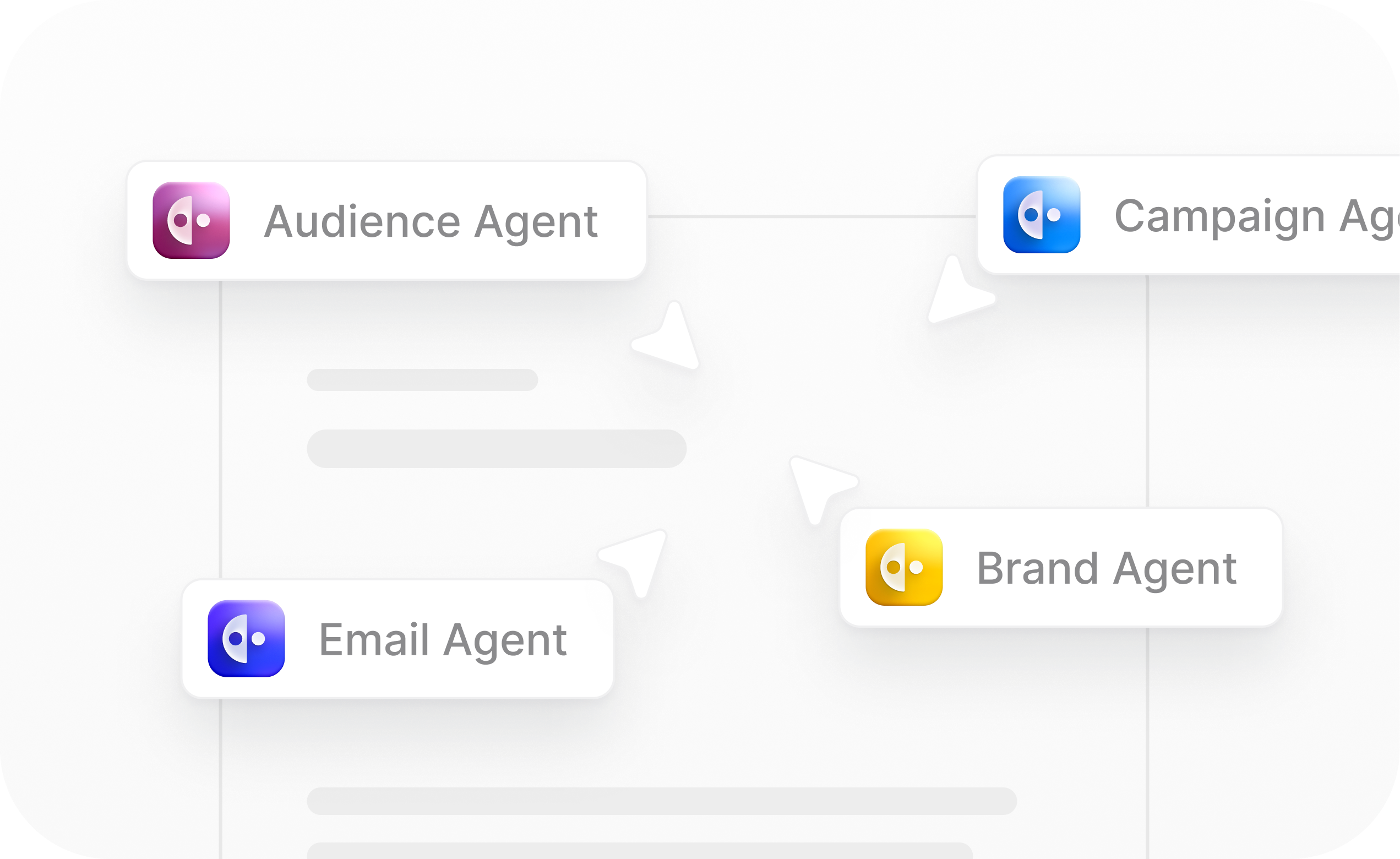
You can chat with Quotient in plain English, just like you would with a coworker. Tell it what you want, and it will help you get it done. If you've used products like ChatGPT or Claude, the experience will feel familiar.
However, working with AI is different from working with a human in a few key ways. The most important concept to understand is context.
Context and Tools
"Context" refers to the information that is available to Quotient. Unlike humans, Quotient starts each conversation fresh - it doesn't remember what you told it yesterday. It has to be explicitly provided with the information it needs to do its job.
This means you should be explicit about what you want and provide all necessary context in each conversation. Knowing what context Quotient has and doesn't have will help you interact with it more effectively.
When you talk to Quotient, its context will automatically include…
- Information about your brand stored in the Knowledge Store
- The conversation history within that chat thread
- An understanding of the Quotient platform itself
- Specialized knowledge relevant to the task at hand (e.g. when writing a blog, Quotient draws on expertise in SEO-optimized content)
However, Quotient's context does not include...
- Knowledge of current events, like today's front page news or what's currently trending in your industry
- Any information about your brand or business that is not reflected in the Knowledge Store
- Memory of past interactions with you (if you tell Quotient about a new product feature in one conversation, it won't remember that information in future conversations unless you add it to the Knowledge Store)
To get additional information, Quotient can use tools to look things up. Tools allow Quotient to interact with the outside world, including the Quotient platform, the open internet, and other integrated systems.
Quotient can use tools to find information to add to its existing context, such as…
- Searching the web and visiting web pages
- Looking up a person or company from your Quotient audience
- Looking up all currently active campaigns in Quotient
In addition to looking up information, tools can also perform actions, such as…
- Creating a new campaign
- Editing a blog
- Deleting an email broadcast
@ Mentioning Objects
You can @ mention objects in Quotient, such as Campaigns, Email Broadcasts, Blogs, Segments, and Email Templates.
Mentioning objects will automatically include all of the data about that object into Quotient's context. You can think of this like sharing a URL with a coworker. Your coworker can click into the URL, give it a quick read, and understand what you're talking about. But without the URL, they might be confused and not understand the context.
Here are some examples of when you might @ mention an object:
- If you're asking Quotient to use a specific email template as part of a flow
- If you're asking Quotient to send an email to a specific segment
- If you want Quotient to use a specific asset as the thumbnail image for a blog
Managing Threads
Each conversation in Quotient is called a "thread". Within a given thread, Quotient will recall the entire conversation history, but it won't recall conversations from other threads.
When a thread gets too large or covers too many topics, it tends to confuse or overwhelm the AI. Long threads can be overwhelming for humans too. (No one likes looking at a Slack thread with 150 responses, or an email chain that's 80 replies long.)
To get the best performance out of Quotient, it's best to keep threads scoped to a single task or set of related tasks. A good rule of thumb is to create one thread per deliverable - i.e. a single thread for each blog, campaign, email broadcast, etc.
Sometimes it makes sense to group related deliverables into a single thread. For example, you might be working on a blog post as well as an email broadcast announcing the new post to your subscribers. In this case, it might make sense to create both deliverables in the same thread.
On the other hand, if you have a completely new, unrelated request, it's best to start a fresh thread to begin working on it.
Memories
Although Quotient doesn't naturally remember past interactions the way humans do, it is able to record memories which will be stored as context for future interactions. This is a helpful way for Quotient to learn your business's particular preferences and workflows. If you want Quotient to remember something for future interactions, just tell it to "please remember this going forward".
Common examples of memories include…
- Which email templates should be used as a starting point when creating new broadcasts
- Which segments or lists should be used in flows and email broadcasts
- Preferences about campaign management (e.g. "campaigns should always contain one email broadcast per blog post")
Note: Memories and Knowledge Documents serve a similar purpose and are mostly interchangeable. Typically, memories reflect workflow preferences, whereas Knowledge Documents contain core information about the brand.
Under the Hood: Skills
Behind the scenes, Quotient uses skills to handle different types of tasks. Each skill gives Quotient specialized knowledge and tools for a particular area of the platform, such as writing blogs, composing emails, or building customer segments.
You don't need to think about which skill is needed for a given task - Quotient automatically loads the right skill(s) based on what you're asking it to do. Just describe what you want to accomplish, and Quotient will take it from there.